Google Drawing
Best simple drawer
The best simple drawing program there is is hidden away inside of Google Docs. It’s free, and completely intuitive to use. Google Drawing is the opposite of Adobe’s Illustrator, which while insanely deep (and expensive) requires hours if not years to master. You can draw with this one in seconds. The controls of Google’s app follow the same general novice format as those in Power Point, or Word, but don’t require any other software beyond your browser. More importantly, it is a no-brainer to export the drawing directly to the web, or as a jpeg or even PDF. And it has the usual advantages of cloud life: the drawing can be collaboratively worked, and it is backed up automatically. Despite being idiot-proof you can do amazingly sophisticated work with it — diagrams, charts, doodles, or paint over photographic images. For 99% of your drawing needs, this handy free app will satisfy nicely. As Jerry Micalski, who introduced me to this gem, said of it: “it’s as simple as MacDraw but smart enough to publish to a Web page.”
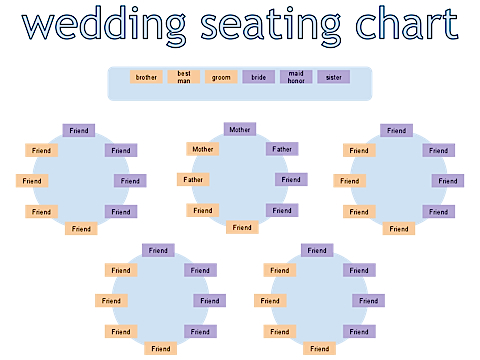
Google Docs Drawings If you're already signed into Google Docs, click the "Create new" button, drop down to Drawing